
Explore your half-life estimates.
See estimated amounts remaining from your recorded doses and available half-life data. The chart updates as your log changes.
These curves do not measure blood concentrations, predict your response, or determine a safe dose. Peptides without supported half-life data remain in your records and are excluded from the chart.
- Informational half-life estimates
- Updates from your recorded doses
- Unsupported estimates clearly identified
Half-life estimate
An estimated amount remaining over time.
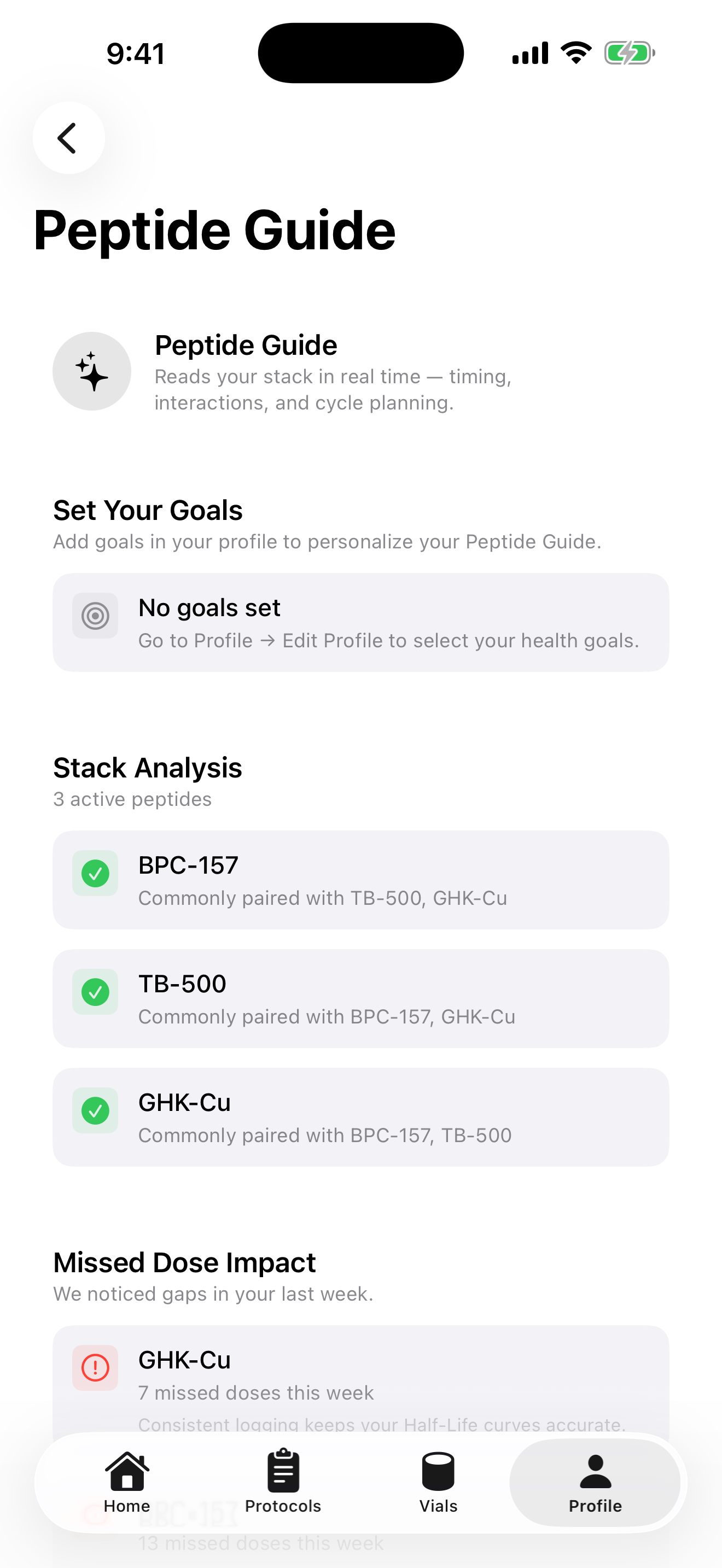
Informational model · not a blood measurementInformation alongside your tracking.
Review educational reference information and context alongside your protocols.
Vial does not prescribe treatment or tell you to increase, taper, or combine medications. Bring treatment questions to your healthcare professional.
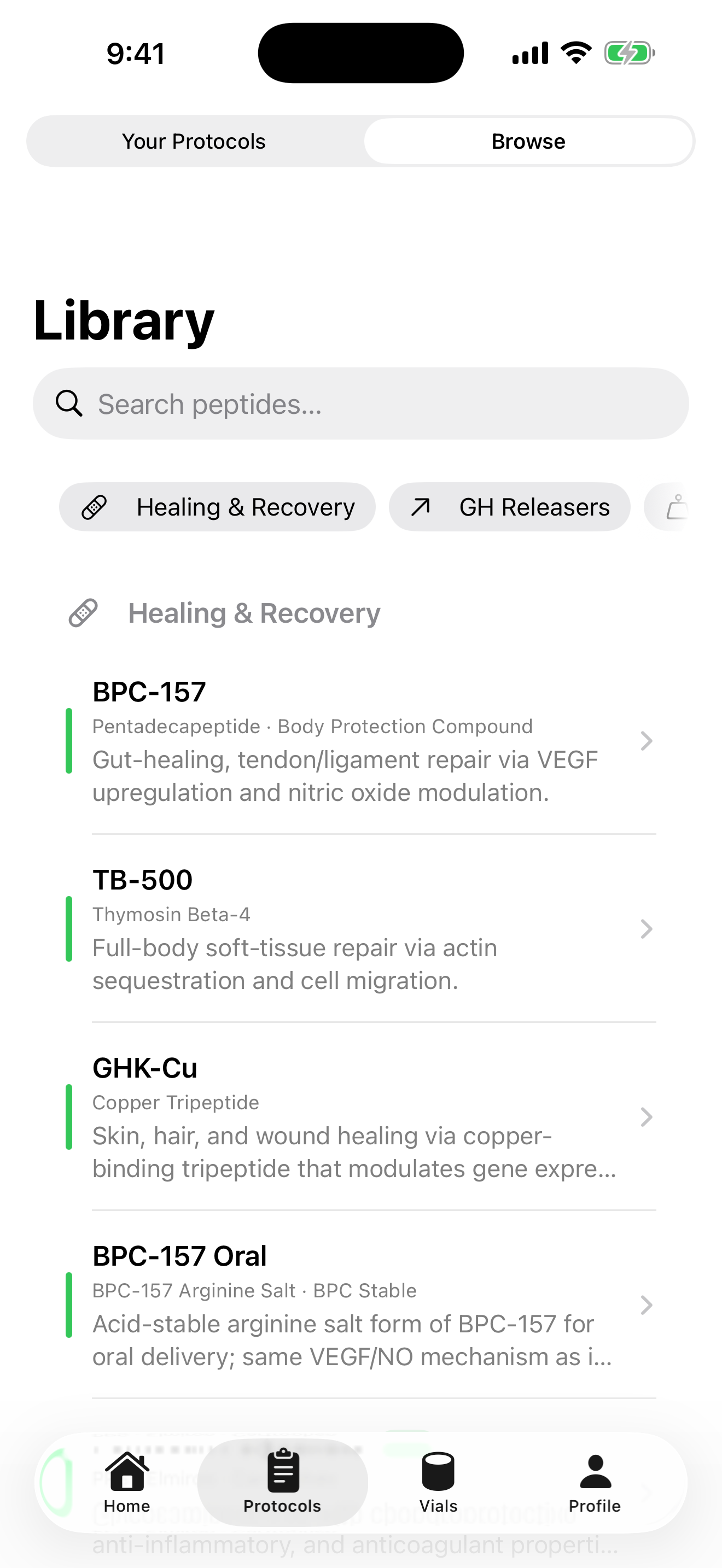
A schedule that fits your routine.
Start from a template or create a custom protocol with the schedule you already follow.
Keep your dose times, weekdays, and protocol progress organized. Enable reminders and revisit your schedule when your routine changes.
- Templates and custom schedules
- Multiple protocols in one place
- Week and cycle progress
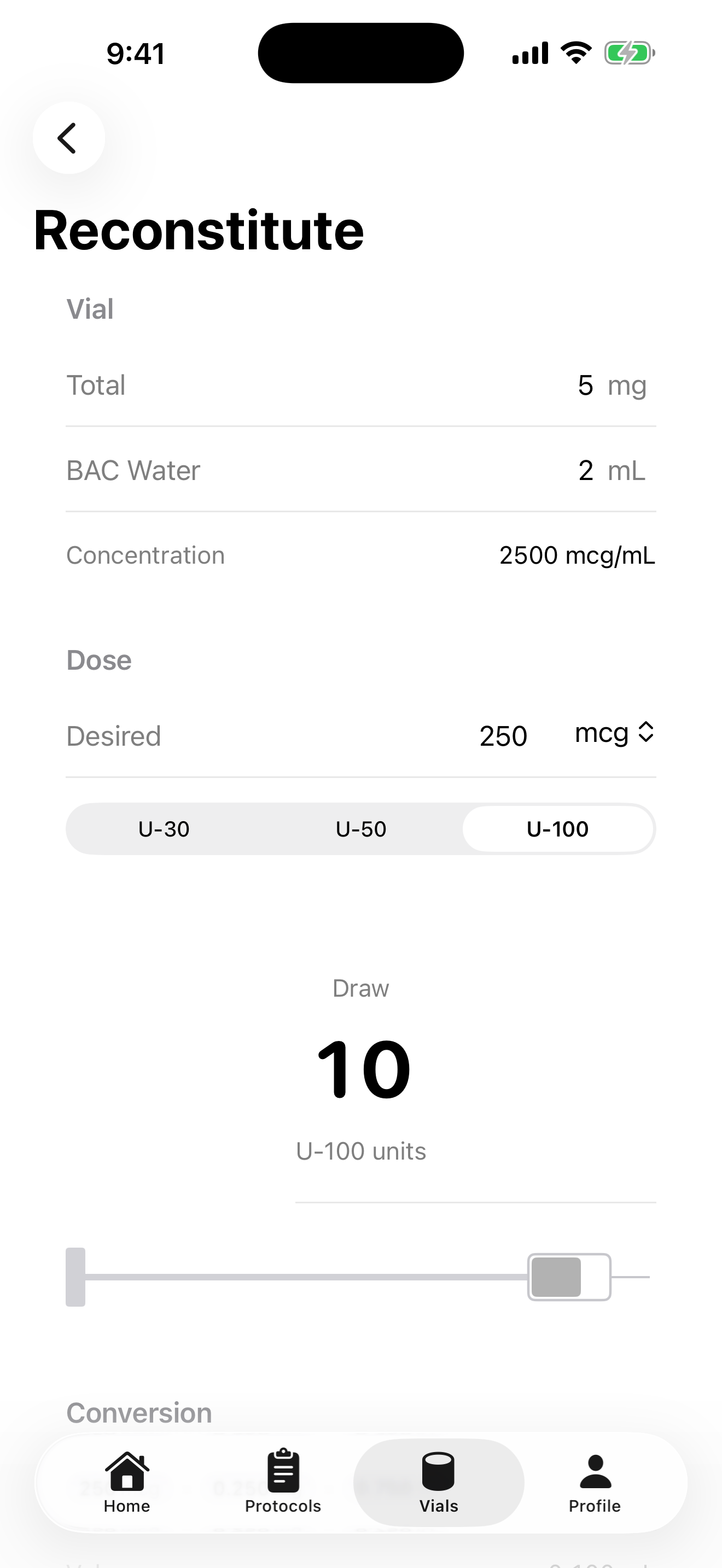
Keep the math in one place.
Enter vial amount, diluent volume, and target dose to calculate concentration and syringe-unit conversions.
Check your inputs and confirm preparation and dosing instructions with your healthcare professional. The calculator performs math; it does not prescribe a dose.
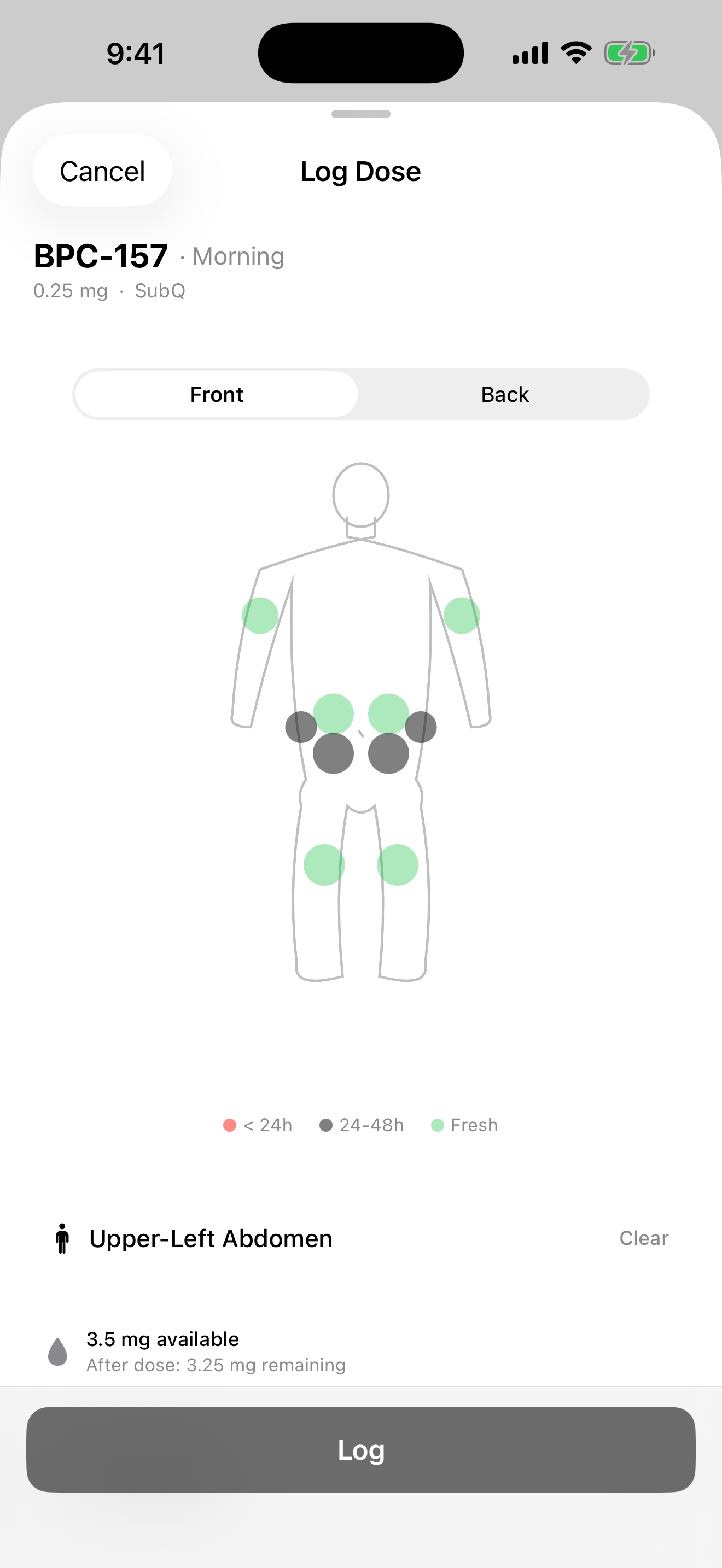
A clear record of what happened.
Log a dose from Home, record an optional injection site, and add notes. Use the dose options menu to mark a scheduled dose skipped.
Search Logbook by peptide, filter by time or protocol, and tap an entry to correct its details. Recent injection sites are shown on the body diagram.
- Scheduled and manual dose records
- Searchable history and filters
- Editable amounts, times, routes, sites, and notes
See your tracking patterns.
Review adherence, streaks, and dose history over time.
Your insights come from the records you enter. They describe your tracking history and do not measure treatment effectiveness.
Look back.
See your routine.
- Dose history
- Adherence over time
- Streaks and consistency
Stored locally. Yours to export.
Your dose logs, protocols, and profile stay on your device. No Vial account is required. Apple and RevenueCat process subscription information; see our Privacy Policy for details.
Export a ZIP containing CSV and JSON files from Profile. If access expires, your existing records remain on the device and export is still available from the subscription screen.
- No Vial account required
- Local tracking records
- Purchase restoration does not restore dose history
Keep a copy.
Export a ZIP with your tracking history.
- Dose logs CSV
- Protocols JSON
- Peptides used CSV
- Profile JSON